
How to Make a Podcast That Stands Out
Starting a podcast is one of the smartest moves you can make today. It’s a powerful way to tell stories, share ideas, and connect with an audience. But making a podcast that grabs attention and keeps listeners coming back takes more than just hitting record. It requires planning, the right tools, and a clear approach.
I’m Chris Patterson from Causeway Pictures. I know what it takes to create content that works in the real world. Let me walk you through how to make a podcast that’s not just good, but great.
Planning Your Podcast: The Foundation
Before you press record, you need a solid plan. This is where many people stumble. They jump in without thinking about who they’re talking to or what they want to say.
Start by answering these questions:
What is your podcast about? Pick a clear topic or theme.
Who is your audience? Know who you want to reach.
What style will you use? Interview, storytelling, solo, or panel?
How often will you publish? Weekly, biweekly, monthly?
What’s your goal? Build a community, educate, entertain, or promote?
Having clear answers will guide every decision you make next.
Choosing the Right Equipment
Good sound quality is non-negotiable. Listeners will switch off if your audio is poor. You don’t need to spend a fortune, but investing in the right gear pays off.
For beginners, a USB microphone like the Blue Yeti is a solid choice. It’s easy to use and delivers clear sound. If you want to step up your game, consider an XLR microphone paired with an audio interface.
One product I recommend is the Rode NT-USB Mini. It’s compact, reliable, and perfect for podcasting at home or on the go. You can check it out here.
Headphones are just as important. They help you monitor your audio and catch issues early. Look for closed-back headphones for the best isolation.

Podcast microphone ready for recording
Recording Your Podcast
Find a quiet space with minimal background noise. Rooms with soft furnishings work best to reduce echo.
Use recording software that fits your needs. Audacity is free and reliable for beginners. Adobe Audition offers more advanced features if you want to invest.
Keep your episodes focused. Plan your script or bullet points but allow room for natural conversation. Avoid long pauses and filler words.
If you’re interviewing guests, prepare questions in advance. Make sure your guest knows the format and what to expect.
Editing and Post-Production
Editing shapes your podcast. It removes mistakes, tightens pacing, and adds polish.
You can do this yourself or hire a professional editor. If you’re starting out, software like GarageBand (Mac) or Audacity (Windows) will do the job.
Add intro and outro music to give your podcast a professional feel. Royalty-free music libraries like Epidemic Sound or AudioJungle offer great options.
For hosting and distribution, platforms like Anchor or Libsyn make it easy to get your podcast on Spotify, Apple Podcasts, and more.

Editing podcast audio on a computer
Promoting Your Podcast
Making a podcast is only half the battle. You need to get it in front of listeners.
Start by building a website or landing page. This is your home base for episodes, show notes, and contact info.
Use social media to share clips and updates. Engage with your audience by asking questions and responding to comments.
Collaborate with other podcasters or influencers in your niche. Guest appearances can expand your reach.
Email newsletters are another powerful tool. Send updates and exclusive content to keep your audience engaged.
Comparing Podcast Hosting Services
Choosing the right hosting service affects your podcast’s reach and ease of use. Here’s a quick look at two popular options:
Anchor
Free to use, easy to set up, and distributes to major platforms automatically. Good for beginners but limited in advanced analytics.
Libsyn
Paid service with robust analytics, customisable players, and reliable uptime. Better for podcasters ready to grow and monetise.
Both have their strengths. Anchor is great to start without cost. Libsyn offers more control and professional features as you scale.
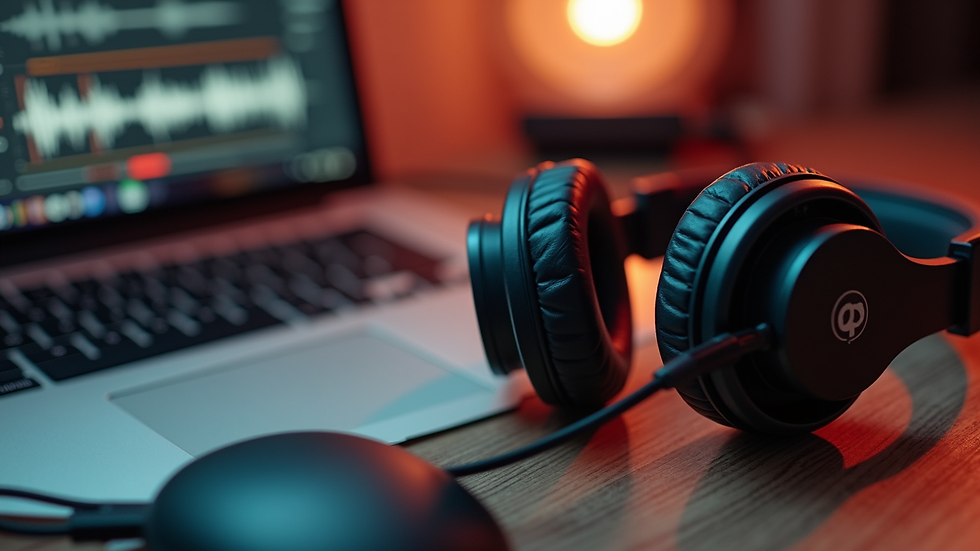
Podcast setup with headphones and laptop
Staying Consistent and Improving
Consistency builds trust. Stick to your publishing schedule as much as possible.
Listen to feedback and track your analytics. Which episodes perform best? What do listeners say?
Keep learning. Attend podcasting workshops, join forums, and listen to other shows for inspiration.
Remember, every podcast starts somewhere. The key is to keep improving and delivering value.
Making a podcast is a journey. It takes time, effort, and the right tools. But with clear planning, good equipment like the Rode NT-USB Mini, and smart hosting choices, you can create a show that stands out.
If you want to explore how storytelling and production come together, Causeway Pictures is here to help. We understand the power of story and the importance of execution.
Start your podcast today. Tell your story. Reach your audience.


Comments